Upgrade your on-camera presence
Look, sound and feel like a pro on camera
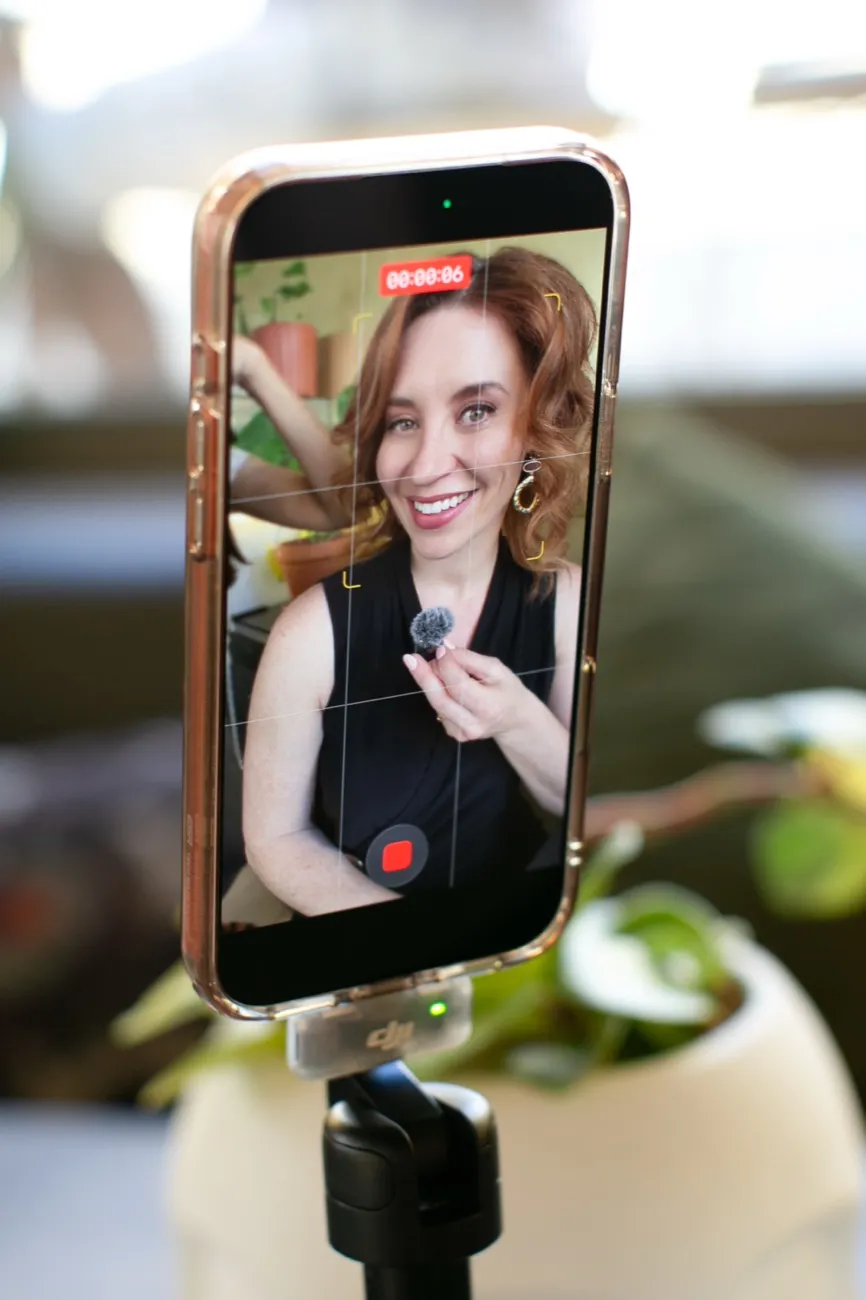
Learn professional on-camera skills from broadcasting, adapted for real-world video. A former national TV correspondent turned entrepreneur walks you through quick fixes for your energy, voice, posture, lighting, sound and visual presence, so you look relaxed, sound natural, and keep people watching.
“Shirlee’s Magnetic on Video course is pure gold.”
“It has made me so much more confident in front of the camera (phone).”
“So many tips on how to avoid the glare on glasses.”
“I went from hiding behind images to confidently creating videos.”
“They go way beyond simple tips.”
“Your class has taught me so much on how to share my purpose and passion with people.”
Watch this before you record your next video
In a few minutes, I’ll show you why smart, capable people often look stiff, rushed or less credible on camera, and the quick fixes that make the biggest difference.
Sound familiar?
Great in person flat on camera
You know what you’re talking about. The problem is, your videos don’t always show it.
You look tense or unsure
Your hands, eyes and posture suddenly feel awkward, and you don’t know what to do with yourself once the camera is on.
You sound rushed or flat
You speed up, your voice loses warmth, and the natural energy people hear in real life disappears.
Your setup is working against you
Bad light, poor sound, awkward framing or the wrong outfit makes you look less polished before you’ve even started speaking.
Why it works
You don’t need to
“be confident”
You need to know
what to fix
Most people were never taught the basics of looking good on camera.
Where to look. What to wear. What to do with your hands. How to use your voice. How to light your face. How to stop going stiff the second you hit record.
I’ve spent 25 years on camera, including 15 as a TV news reporter going live almost daily. I know what helps someone cut through, hold attention and stay composed when the pressure is on.
Now I’ve turned that into practical fixes you can use for everyday video, without a studio, a production team or a personality transplant.
Use it for content, calls, webinars, interviews and anywhere people need to trust you on screen.
“I had so much self-doubt and fear about talking into the camera. With Shirlee’s guidance, mentorship, and coaching, I was able to get more closely aligned to my message and show up in a more authentic way.”
 RebeccaRetirement Coach
“Shirlee is knowledgeable and fun, always learning, and presenting way above and beyond what is promised. And it works—our confidence level just goes way up, and it’s amazing to see.”
 JudyEvent Planner
AI can help you make the content.
It can’t make you magnetic on video.
What’s inside
Step-by-step instruction
built to use as you go
Watch a lesson, practise what you learned, then record a new take and make one visible improvement at a time. No waiting until you feel ready.
First impressions
Look ready before you say a word. Fix the little cues people notice first: your face, posture, eye line and opening energy.
Find your on-camera style
Stop copying people who don’t sound like you. Learn how to bring more of your real personality into your videos.
Instant video fix
Quick wins for lighting, framing and what shows up around you, so your videos look cleaner without turning your room into a studio.
Look the part
Clothes, colour, hair and camera-ready choices that help you look polished without feeling dressed up as someone else.
Sound like a pro
Fix rushed speech, flat tone and unclear delivery so people can actually hear you, follow you and trust you.
Body language
Hands, eyes, posture and facial expression, so you stop looking stiff, nervous or checked out.
Put it to work
A simple recording routine to practise, review and improve your videos without spiralling for an hour.
Included resource
Official workbook
Exercises, checklists and prompts to help you apply each lesson before your next video.
Sneak peek
Take a look inside
Keep it simple
What you won’t need
Start with your phone, the space you already have, and a few smart fixes.
Our students
In their own words
“It completely changed how I show up, how people respond.”
DoreeTravel Advisor
“In such a short time, I went from hiding behind images to confidently creating videos.”
 MonicaPhotographer
“I was so apprehensive about being on camera. I took the plunge and got a video out there, and I feel way more relaxed going forward.”
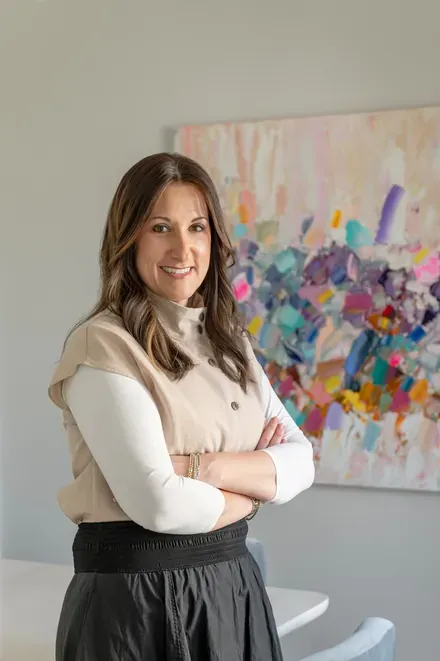 Natalie FroomPrincipal Designer, Studio 180 Design
“Seeing how many more views my on-camera videos got made me realise that people want to see me as a human.”
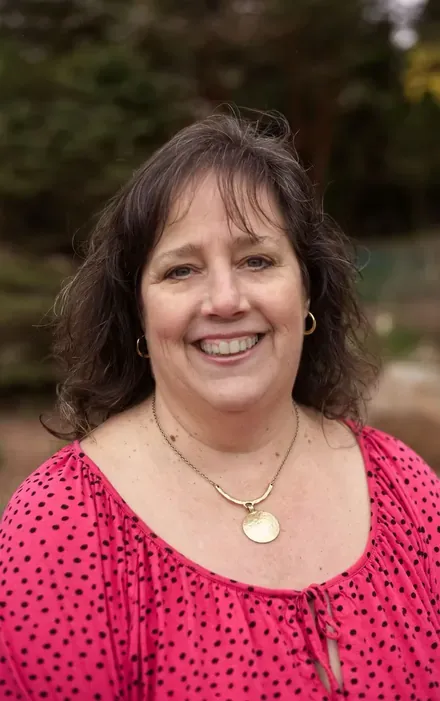 Andrea KentGo Travel with Andrea
“Shirlee made everything approachable, clear, and inspiring. I could immediately apply what I learned to my own video projects.”
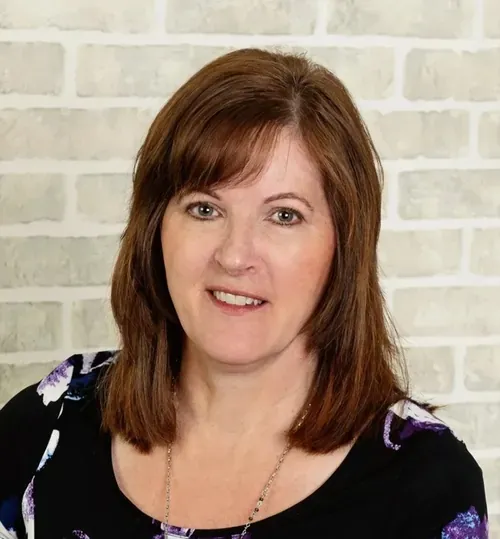 Lori DrinkwaterInterior Decorator, Fresh Look Design
Who it's for
Built for people who know their stuff
Business owners and service pros
You know your field. Now your videos need to show it before someone books, buys or reaches out.
Executives and team leads
You need to come across clear, credible and calm on calls, webinars, interviews and internal videos.
Coaches and content creators
You’re already teaching, posting or recording. Now you want your delivery to look and sound more polished.
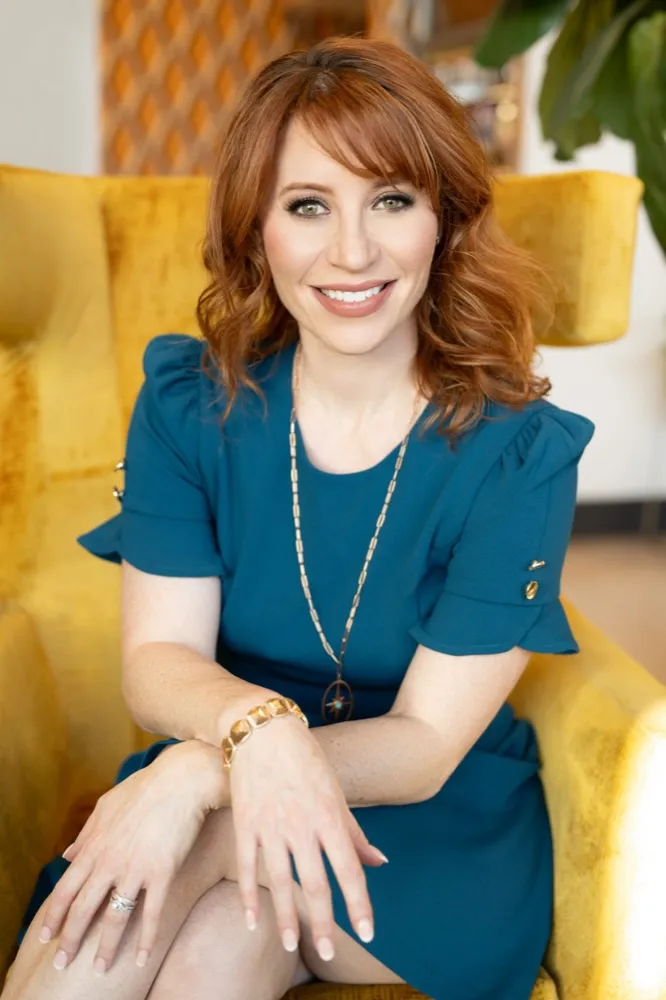
Your instructor
I'm Shirlee Engel
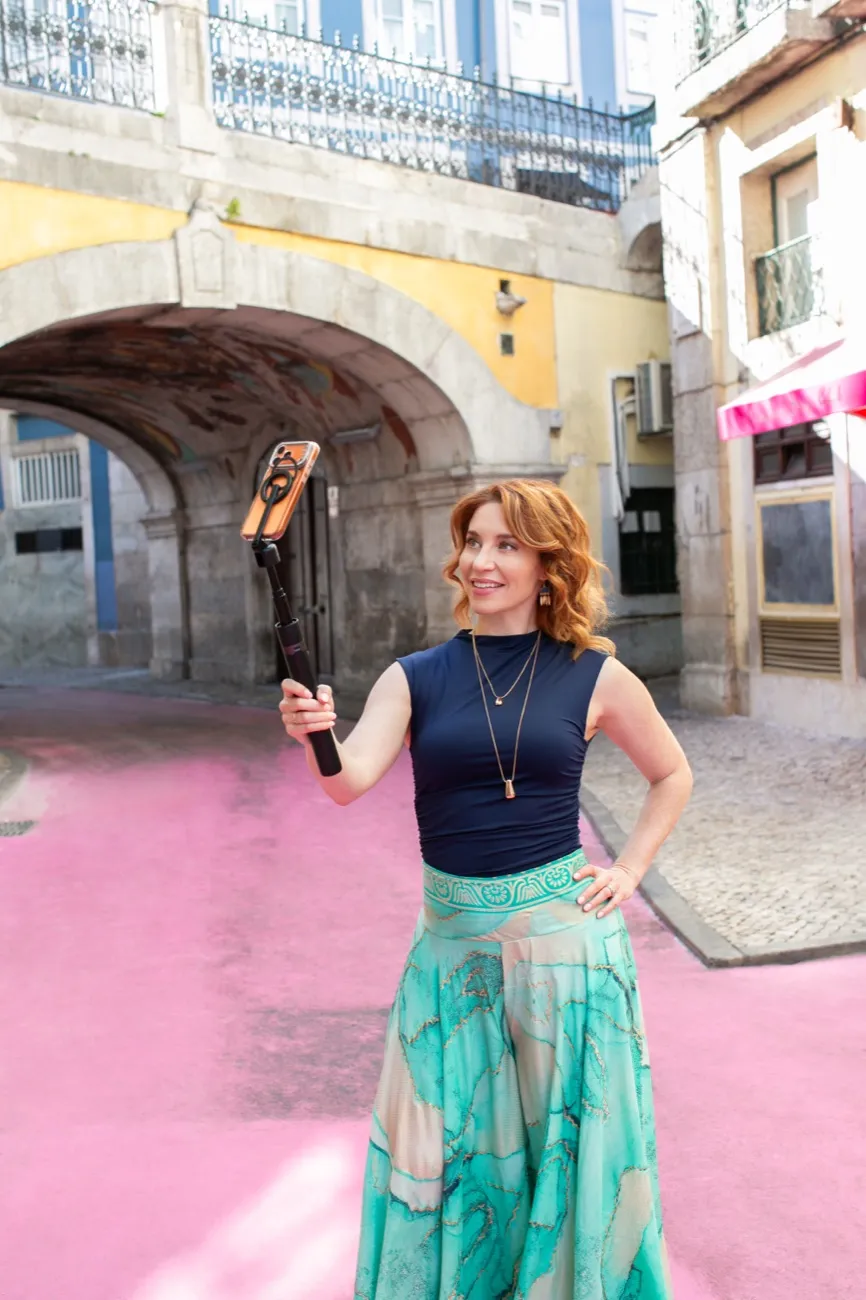
I’ve spent decades on both sides of the camera: first as a national news reporter, then coaching business leaders, experts and public figures to communicate clearly under pressure.
But Magnetic On Video Essentials isn’t about turning you into a TV presenter.
When I started creating videos for social media, I had to unlearn a lot of what worked in broadcast news. Online, people don’t want polished and distant. They want clear, natural and worth watching.
Inside the course, I’ll show you the simple fixes that make the biggest difference: where to look, how to use your voice, what to do with your face and hands, how to stop rushing, and how to look more like yourself when you hit record.

Want a better place to film?
Add Studio In A Box
Your room matters too.
Studio In A Box shows you how to turn almost any space into a clean, camera-ready filming setup using the phone, lights and room you already have. Be ready to film with the flip of a switch.
I combined my decades on TV sets with 5 years running an interior design business to create a simple guide to set up a studio in your home or office.
You’ll learn where to place your camera, how to work with light, how to choose a background, and how to set up a space that looks intentional instead of improvised.
Bundle it with MOV Essentials and upgrade both how you show up and where you film.
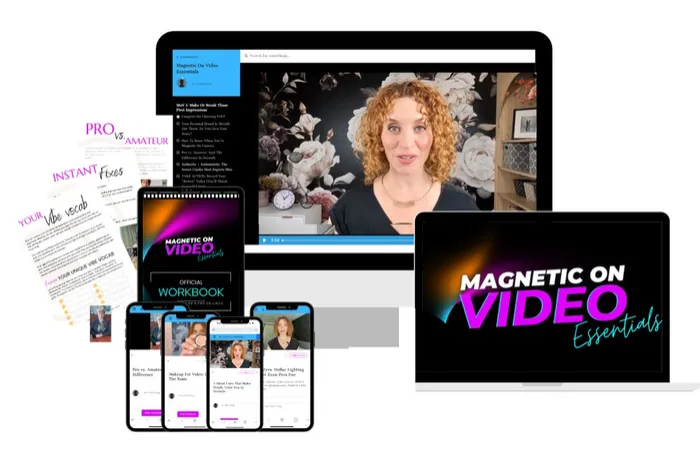
MOV Essentials
$47USD
Fix how you show up on camera
One payment · Lifetime access
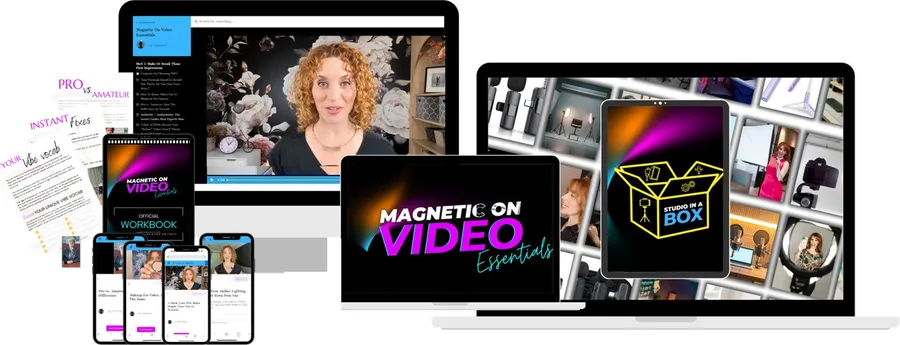
Instant accessMOV Essentials + Studio In A Box
$84USD
Fix how you show up and where you film
One payment · Lifetime access
Instant accessYou’ll get instant access to the full course library and resources after purchase.
Because these are digital products delivered right away, all sales are final.
Frequently asked questions
How long does it take?
The full course is about 3 hours.
You can go through it in one afternoon, or do it in short chunks before you record. You’ll also get lifetime access, so you can come back whenever your videos start feeling a bit weird again. Happens to the best of us.
Will I look and sound like a pro after 3 hours?
You’ll understand what to fix.
That’s the big shift. You’ll know how to adjust your voice, posture, hands, eye line, expression and visual presence so you come across more relaxed, natural and credible.
Like any skill, you’ll get better with practice. But you won’t be guessing anymore.
Do I need special equipment?
No.
Start with the phone you already have, the space you already use, and the light around you. This course is about improving how you show up on camera, not sending you into a panic-buy spiral at the camera store.
What if I hate seeing myself on camera?
Very normal.
Most people aren’t reacting to how they actually look. They’re reacting to not knowing what feels “off.” Once you can spot the fix, watching yourself gets a lot less painful.
You’ll learn how to review your takes without spiralling, nitpicking, or deleting everything immediately.
How is this different from other video courses?
Most video courses focus on content ideas, editing, gear or strategy.
MOV Essentials focuses on you: how you look, sound, move, speak and come across when the camera is on.
It’s the stuff people notice before they even decide whether they trust what you’re saying.
Is this just for social media videos?
No.
It helps anywhere you need to show up well on camera: social videos, Zoom calls, webinars, sales calls, course videos, interviews, presentations and podcast guest spots.
If people are watching you through a screen, this helps.
Do I need to be confident already?
No. That would be a slightly rude requirement.
Confidence usually comes after you know what to do. This course gives you the basics most people were never taught: where to look, what to do with your hands, how to pace your voice, how to sit or stand, and how to stop going stiff when you hit record.
Can I get a refund?
MOV Essentials is a digital course, so all sales are final.
But I also don’t want you sitting there annoyed if something genuinely doesn’t work. If you complete the course, apply the lessons, and still feel it didn’t help, email [email protected] and we’ll take care of you.
Look better on video before your next recording
Learn the on-camera fundamentals in 3 hours, then use your phone, workbook and simple fixes to start improving the next time you hit record.
$47 · Lifetime access